01 / AI CHARACTER CREATOR
Create AI characters.Make them your own.
Build a fictional best friend, an intriguing stranger or a whole cast. Lutovia's character creator lets you define their personality, appearance, background and way of speaking, then bring them into a roleplay chat.
AI storytelling · Ages 18+
Automatic character preview: Mara, 26, is given a personality and a first message. All displayed media are AI-generated.
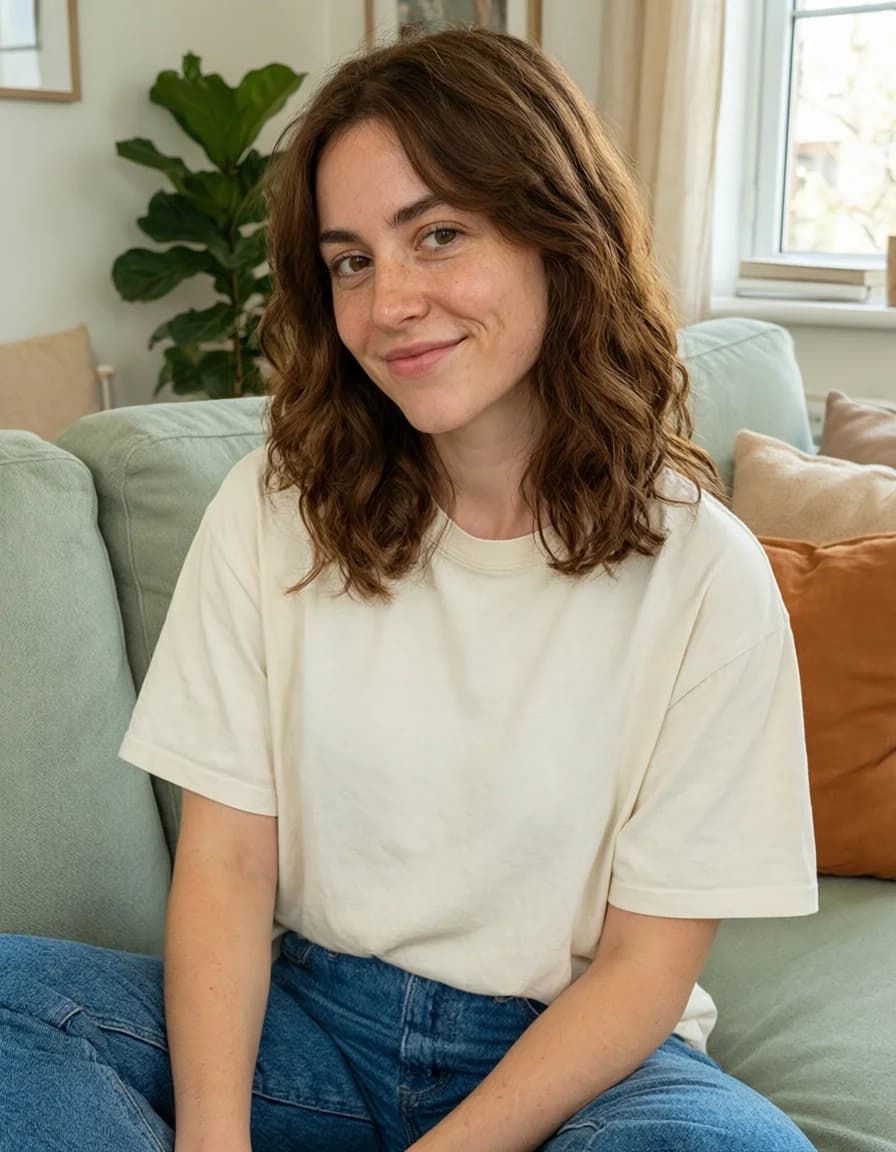
Fictional character · pre-generated AI media
HOW IT WORKS
How to create an AI character
- 1
Define the character
Start with a name, appearance and a few defining traits. Add a background and describe how they should behave in conversation.
- 2
Write the opening
Choose the scenario and the opening message. A shared history or an unanswered question gives your first exchange somewhere to go.
- 3
Meet them in a chat
Start a conversation with your character. Bring in other characters when your story calls for a larger cast.
Small details make a character feel distinct.
A voice of their own
Describe how a character talks, what they care about and how they react. These definitions help guide the AI's replies as the conversation unfolds.
Appearance and image references
Describe the character's appearance and add an image reference. When creating scene images, select that reference and an image model that supports it.
Room for a whole cast
Explore one relationship or introduce several characters. Choose who responds next, or let the conversation decide.
FAQ
AI character creator: your questions
What is an AI character?
An AI character is a fictional persona whose replies are generated by a language model. In Lutovia, the personality, background and speaking style you define help guide those replies. You are chatting with AI, not a real person.
Do I have to write a complete character biography?
No. A clear personality, a few important details and a starting situation are enough to begin. You can develop the character definition further later.
Can I start without a fixed character?
Yes. Create a new roleplay without selecting a character to explore a more open-ended story.
Can several characters take part in one chat?
Yes. You can add multiple characters and choose who replies next, or use automatic selection. Each character's definition helps guide their part in the conversation.Explore AI roleplay chat
Can I use a picture to define my character's appearance?
Yes. Add an appearance description and a reference image. For generated scene images, select the reference in image settings and choose a model that supports references. Matching a face or body exactly is not guaranteed.Learn about images with character references
Will the AI always follow every detail?
Character definitions guide the model, but replies can still be inconsistent. You can edit a reply, generate another version or switch the text model.
More ways to shape your chat
AI roleplay chat
Write together, edit replies and explore a different turn in the story without losing the original chat.
Explore this feature03Upload & image recognition
Upload a picture and let the chat respond to its clothing, objects and surroundings.
Explore this feature04Scene images
Turn the current scene into an image, with references to help guide your character's appearance.
Explore this feature05Image animation
Choose an image from the chat, describe a movement and turn it into a short video.
Explore this feature06Reference images
Give your character a pose to try. Use a portrait for their appearance and another photo for the pose.
Explore this featureStart your own conversation.
Create a character and see where your story goes.
Create your characterTry 5 replies with Velvet, our top chat model, and your first image free, once per account. No card required. Echo stays free. For more premium replies, images and videos, top up from $5. No subscription.