05 / AI IMAGE-TO-VIDEO
Animate images with AI.Turn a picture into a short video.
Give a scene from your chat a little movement: a smile, a glance or a turn of the head. Lutovia uses your chosen image as the starting point for a short AI video, which you can watch alongside the original picture.
AI storytelling · Ages 18+
Automatic preview: Mara's AI-generated selfie becomes a short silent video clip.

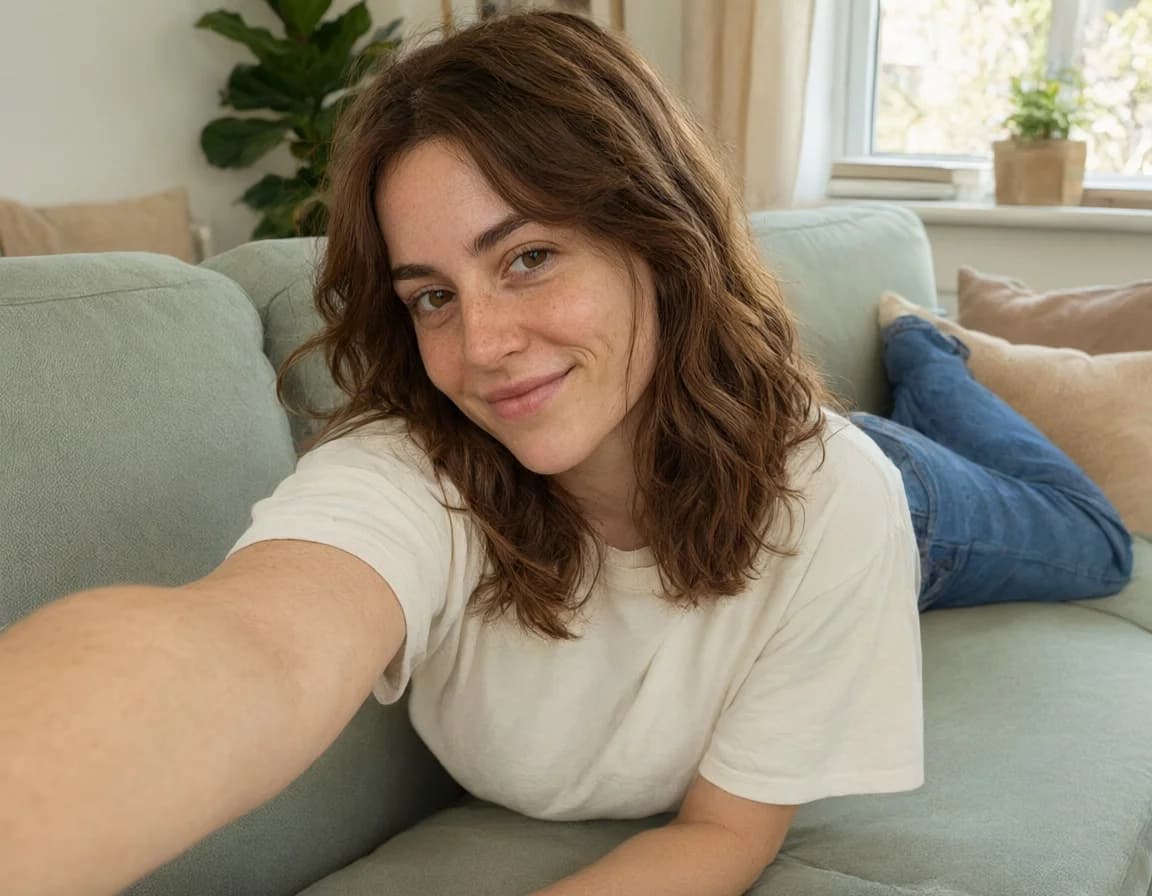
Fictional character · pre-generated AI media
HOW IT WORKS
How to animate a chat image
- 1
Start with an image
Open an available image in your chat and choose Animate. The image becomes the visual starting point for the video request.
- 2
Give it direction
Choose an available video model and describe the motion you want. Check the duration, settings and displayed price before starting.
- 3
Watch it in your story
Continue chatting while the animation runs in the background. When it finishes, switch between the image and video in the media viewer and download the clip.
From a still image to a video in the same chat
Your image is the beginning
Start with a scene you already like rather than describing its appearance from scratch. The video model uses the image to guide the result.
Keep the conversation going
Video generation runs in the background. Processing time depends on the model and provider capacity; you can keep writing while you wait.
Image and video, together
Return to the original still or watch its animation from the media viewer. Save the version you want to revisit outside the chat.
FAQ
AI image-to-video: your questions
What is image-to-video generation?
Image-to-video uses an existing picture and a motion description to generate a short clip. In Lutovia, open an image in your chat, choose Animate and select the video settings. You do not need to create the scene again from scratch.
How long are the videos?
Available durations depend on the video model and are shown in the animation settings. Check those settings before submitting a request.
What should I write in the animation prompt?
Describe the movement you want, such as a gentle smile, a slow turn of the head or a small camera movement. A focused instruction is easier to follow than several unrelated actions in a short clip. The result still depends on the model and image.
Will every detail stay exactly the same?
AI animation may change faces, small details or parts of the scene. A clear starting image and a focused motion description help guide the model, but do not guarantee exact consistency.
Is animation included in the image price?
No. Animating a picture is a separate generation request that uses balance. The animation settings show the available model, duration and price before you submit. You can continue chatting while the video is being generated.Create a scene image first
Can I download the video?
Yes. Download a completed animation while it is available. Generated videos, like generated images, are automatically removed after 14 days.
More ways to shape your chat
Create characters
Choose a personality, appearance and backstory for the characters you chat with.
Explore this feature02AI roleplay chat
Write together, edit replies and explore a different turn in the story without losing the original chat.
Explore this feature03Upload & image recognition
Upload a picture and let the chat respond to its clothing, objects and surroundings.
Explore this feature04Scene images
Turn the current scene into an image, with references to help guide your character's appearance.
Explore this feature06Reference images
Give your character a pose to try. Use a portrait for their appearance and another photo for the pose.
Explore this featureStart your own conversation.
Create a character and see where your story goes.
Explore animation in your chatTry 5 replies with Velvet, our top chat model, and your first image free, once per account. No card required. Echo stays free. For more premium replies, images and videos, top up from $5. No subscription.