04 / AI IMAGE GENERATION
Turn your chat into AI images.Capture the scene.
Create an AI image from the scene you're writing together. If your character sends a selfie from the sofa, tap + Image: Lutovia prepares a prompt from the chat and combines it with your image settings and supported references.
Try 5 premium replies with Velvet and your first image free, once per account. No card required. Top up from $5 for more. Echo stays free. No subscription.
Create a scene in your chatAI storytelling · Ages 18+
Mara texts you from her couch. The preview taps + Image, shows the image loading and reveals her AI-generated selfie in the chat.

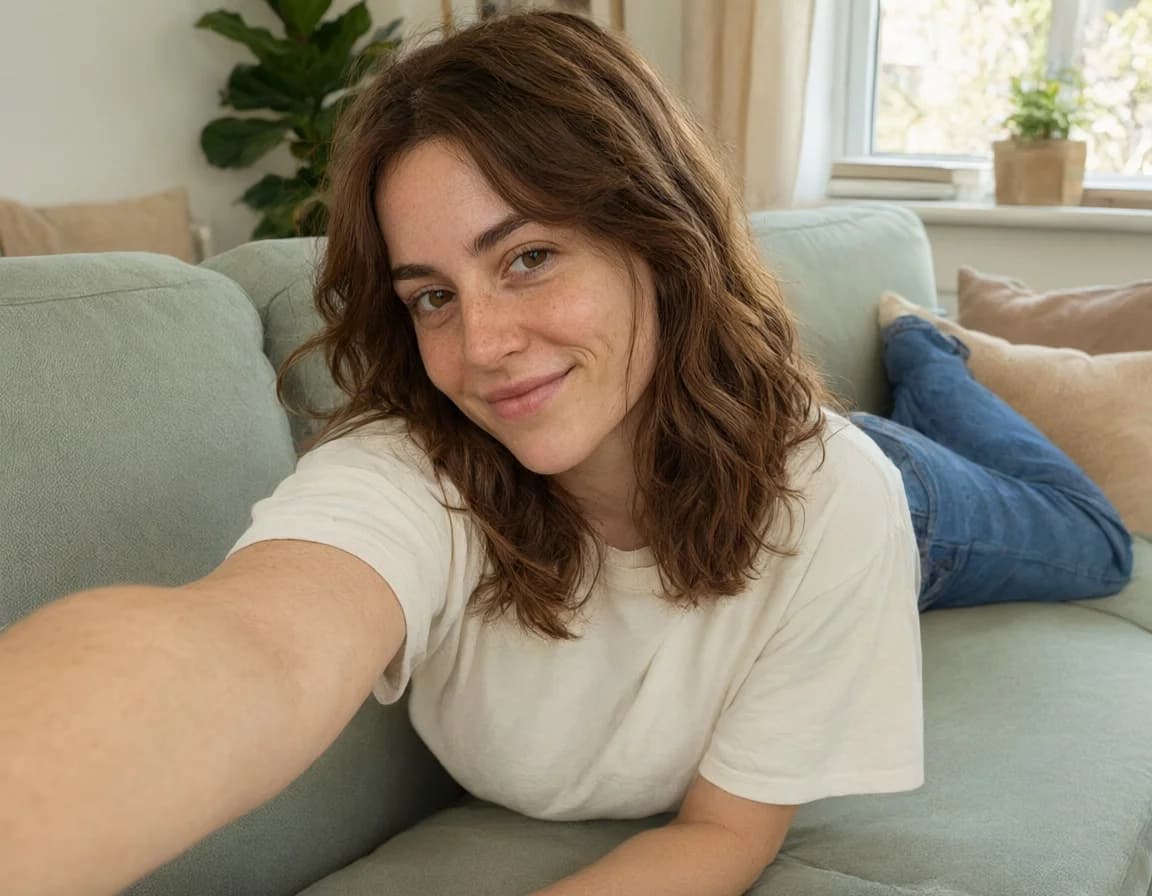
Fictional character · pre-generated AI media
HOW IT WORKS
How to create an image from your chat
- 1
Choose your references
Open image settings and select a model. Upload a reference or choose an available image from your library, then decide which parts should come from the conversation.
- 2
Shape the scene
Let the app prepare a prompt from your chat. Add the details that matter to you, or use creative mode for a few scene-specific questions and choices.
- 3
Let the picture arrive
Start generation and continue chatting. The image appears at the point where you requested it, and completed images are also available in your gallery.
Control the character, setting and action
Reference the person, build the scene
Use a reference to guide a character's appearance while the conversation helps describe the setting and action. Reference support and the number of images depend on the model you choose.
Keep the settings that work
Saved image settings and selected references can carry into your next request. Change them whenever the story needs a different look or location.
Refine the scene with creative mode
Creative mode asks focused questions about the scene. Pick an option or write your own answer to help steer the image toward the moment you want to capture.
FAQ
AI scene images: your questions
Do I need to write an image prompt myself?
No. Lutovia can prepare a prompt from the available conversation context. Both your messages and the selected AI replies help describe the scene. You can add details or edit the prompt before submitting it if you want more control.
Can I use several reference images?
Some image models support multiple references; others have different limits or no reference support. Choose the model first. The image settings show which reference options are available for it.
Will a reference recreate a face exactly?
It helps guide appearance, but a perfect match is not guaranteed. The model, reference quality and scene complexity all affect the result.
Can I animate a generated scene image?
Yes. Open an available image in your chat and choose Animate to create a short video. Video generation is a separate request with its own settings and price.See how image-to-video works
Do images cost extra?
Your first image is free, including prompt preparation. Choose a model and confirm your settings to create it. Further images use prepaid balance. This preview is free to watch.
How long can I keep the generated images?
Generated images and videos are kept for 14 days. Download the ones you want to keep. Uploaded references are retained until you remove them or delete the associated content.
More ways to shape your chat
Create characters
Choose a personality, appearance and backstory for the characters you chat with.
Explore this feature02AI roleplay chat
Write together, edit replies and explore a different turn in the story without losing the original chat.
Explore this feature03Upload & image recognition
Upload a picture and let the chat respond to its clothing, objects and surroundings.
Explore this feature05Image animation
Choose an image from the chat, describe a movement and turn it into a short video.
Explore this feature06Reference images
Give your character a pose to try. Use a portrait for their appearance and another photo for the pose.
Explore this featureStart your own conversation.
Create a character and see where your story goes.
Create accountTry 5 premium replies with Velvet and your first image free, once per account. No card required. Top up from $5 for more. Echo stays free. No subscription.